
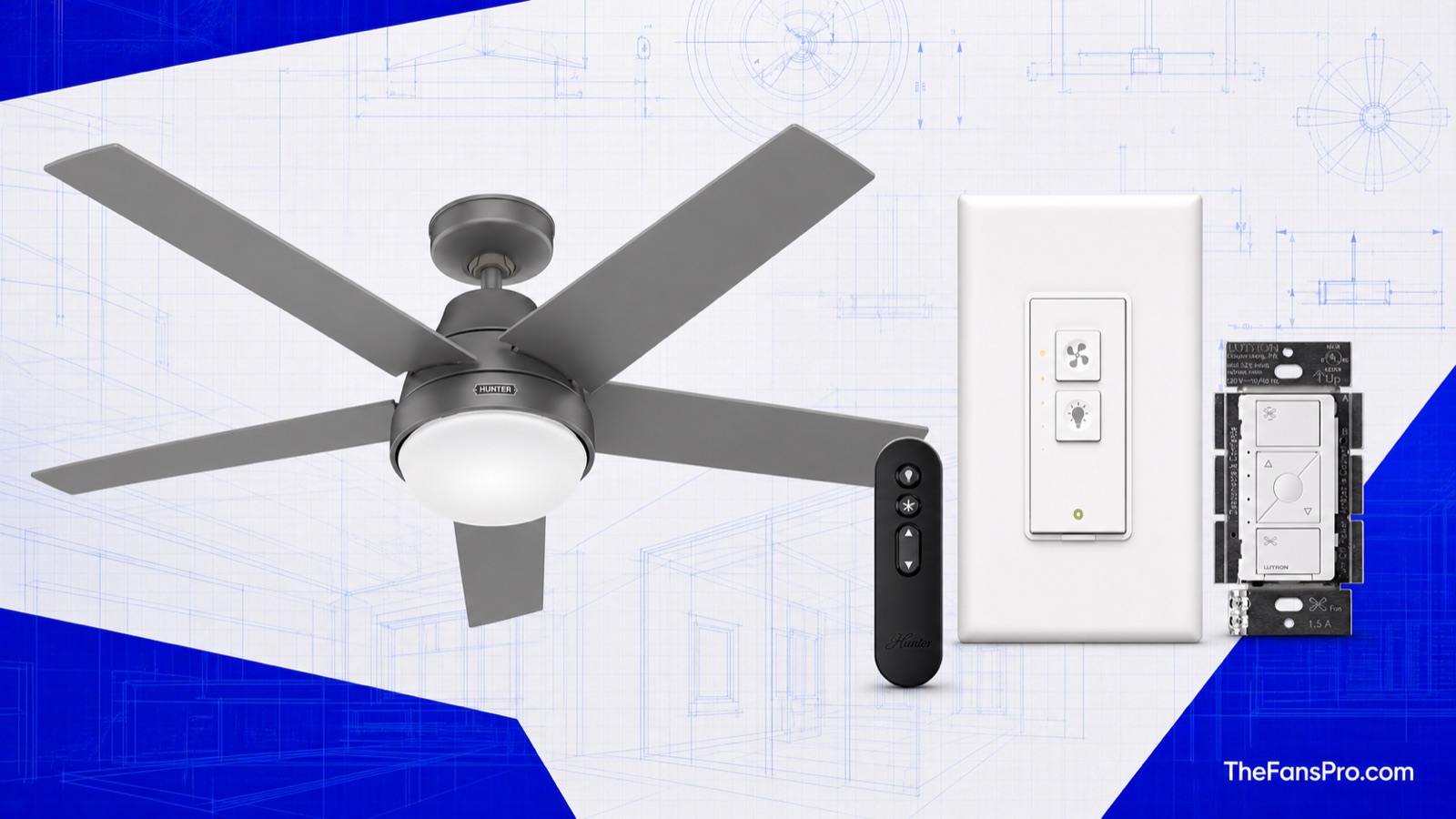
Smart ceiling-fan compatibility depends on the control system inside the fan, not the logo on your phone. A pull-chain AC fan, a DC fan with a radio remote, and a fan with built-in Wi-Fi need three different solutions. The checker below narrows the field before you buy a bridge, switch, or replacement fan.
Smart Ceiling Fan Compatibility Checker
Choose what you have now. Your recommendation updates immediately below. It is a planning path, not permission to connect an incompatible line-voltage controller.
The Compatibility Matrix
| Control path | Apple Home | Alexa | Google Home | Matter | Hardware limits |
|---|---|---|---|---|---|
| Native platform fan | Only when the exact fan lists HomeKit/Apple Home | Only when listed by the maker | Only when listed by the maker | Only with a Matter certification/code | Capabilities vary by exact model and firmware. |
| Matter fan device | Not in Apple’s current supported Matter-device list | Fan category supported | Fan category supported | When the fan is certified and the platform supports the category | Check the platform’s current device list, not only the Matter logo. |
| Lutron Caséta PD-FSQN + Smart Hub | Yes | Yes | Yes | Not a Matter retrofit | One indoor, pull-chain-style AC fan up to 1.5 A; neutral and separate fan conductor required. Not for DC or remote-module fans. |
| Bond Bridge | No official native fan path on the standard bridge | Yes | Yes | No | The existing RF/IR remote must be learnable. Keep the fan powered and use Bond as the remote. |
| Manufacturer Wi-Fi/app | Model-specific | Model-specific | Model-specific | Do not assume | Cloud integrations and available commands can change by model and firmware. |
Four Ways to Make a Ceiling Fan Smart
1. Buy a native smart fan
This is the cleanest route when the exact model lists your platform. Fan speed, light level, direction, schedules, and status feedback may be available, but the feature set is model-specific. Start with our current smart ceiling-fan guide.
2. Retrofit an AC pull-chain fan
Lutron’s PD-FSQN controls one permanent-split-capacitor ceiling fan up to 1.5 amps. It needs a neutral wire and a dedicated fan conductor. Lutron explicitly excludes DC fans, exhaust fans, remote-controlled fans, and fans with integrated speed modules.
3. Copy the existing remote
Bond Bridge learns compatible RF or IR remote commands and sends them to the fan. Bond officially supports Alexa and Google Assistant. It does not turn the fan into a Matter device, and the standard Bridge is not an official native Apple Home fan solution.
4. Use Matter only when both sides agree
A Matter logo proves certification for a device type. It does not prove that every smart-home platform currently exposes that device type. Google and Alexa list fan support; Apple’s current public Matter list does not.
How to Identify the Fan You Already Have
- Find the exact model number. Check the label above the motor housing, the manual, or the remote battery compartment. A brand name alone is not enough.
- Look for AC or DC in the manual. Do not put a line-voltage speed controller on a DC fan or a fan with its own receiver.
- Check the remote. If every function comes from a handheld remote while the wall switch only supplies power, investigate a compatible remote bridge before opening the wall box.
- Count the switched conductors. A combined fan/light feed cannot give the Caséta fan control independent speed control. A neutral is also required for PD-FSQN.
- Read the manufacturer’s current integration list. “App control” can mean only the maker’s app. It does not prove Apple Home, Alexa, Google Home, or Matter support.
Apple Home: Why Matter Is Still Awkward for Fans
Apple can pair many Matter accessories, but Apple Support currently lists air conditioners, bridges, lights, locks, outlets, switches, thermostats, shades, and several sensor types. Fans are absent. Google Home documents fan support under Matter 1.2, and Amazon’s current developer documentation lists fans among Alexa’s supported Matter categories.
That mismatch matters. A Matter ceiling fan can be legitimate and still fail to present as a fan in Apple Home. If Siri control is the goal, use our HomeKit fan guide for current native and retrofit paths, then verify the exact model before ordering.
When the Lutron Route Works, and When It Does Not
The Caséta PD-FSQN is not a universal fan switch. Lutron rates it for one indoor ceiling fan with a permanent-split-capacitor AC motor, from 0.1 to 1.5 amps. The wall box needs a neutral. If the light and fan share one switched conductor, the control cannot separate them.
Skip this route for a DC motor, a bathroom or kitchen exhaust fan, a fan controlled through a canopy receiver, or a model whose manual requires its included electronic controller. If wiring or motor identity is uncertain, stop and use the manufacturer’s control or have a licensed electrician identify the circuit.
When Bond Is the Better Answer
Bond is often the least invasive route for a DC fan that already has a working handheld remote. The bridge sends remote commands while the fan remains powered. That preserves the original receiver and avoids placing an incompatible controller in series with a DC motor.
The tradeoff is platform support. Bond’s product and learning documentation support Alexa and Google Assistant, but Bond is not a general native Apple Home fan bridge. Homebridge and other community integrations exist, but they are not the official, low-maintenance path this checker recommends.
As an Amazon Associate, TheFansPro earns from qualifying purchases.
Questions That Change the Answer
Can a smart light switch control a ceiling fan?
Not safely as a speed control unless the device is specifically rated for that fan load. A lighting dimmer is not a fan-speed controller. Match the motor, amperage, wiring, and controller requirements in both manufacturers’ instructions.
Can one smart switch control both the fan and its light?
Only when the fan and controller are designed for that arrangement. The Caséta PD-FSQN controls the fan load only. A fan/light combination needs separate conductors and a separate suitable light control, or the fan’s original integrated receiver.
Will Bond work after I lose the original remote?
Do not count on it. Bond learns commands from a compatible remote, so pairing is easiest while the original handset works. If it is gone, identify the receiver and replace the correct remote first; our fan remote and replacement-parts guide explains that model-matching step.
Does “works with Siri” always mean Apple Home?
No. A manufacturer may expose Siri Shortcuts without creating a HomeKit or Matter accessory in the Apple Home app. Look for an explicit Apple Home/HomeKit statement and verify which controls appear.
Sources and Evidence Scope
Evidence label: Spec-verified. Compatibility and electrical limits were checked against the following official sources on August 22, 2026. No fan, bridge, or switch was bench-tested for this draft.
- Apple Support: Pair and manage Matter accessories
- Google Home: Matter preparation and supported device types
- Amazon Alexa: Matter support and device categories
- Lutron: Fans compatible with PD-FSQN
- Lutron Caséta load-control specification
- Lutron: Apple Home integration
- Bond Bridge product documentation and Bond learning guide
Smart-home support changes. Recheck the platform and exact-device documentation before purchase or installation. Electrical work must follow the product instructions and local code.
The interactive checker needs JavaScript. The complete compatibility matrix and four control paths above remain available without it.
