
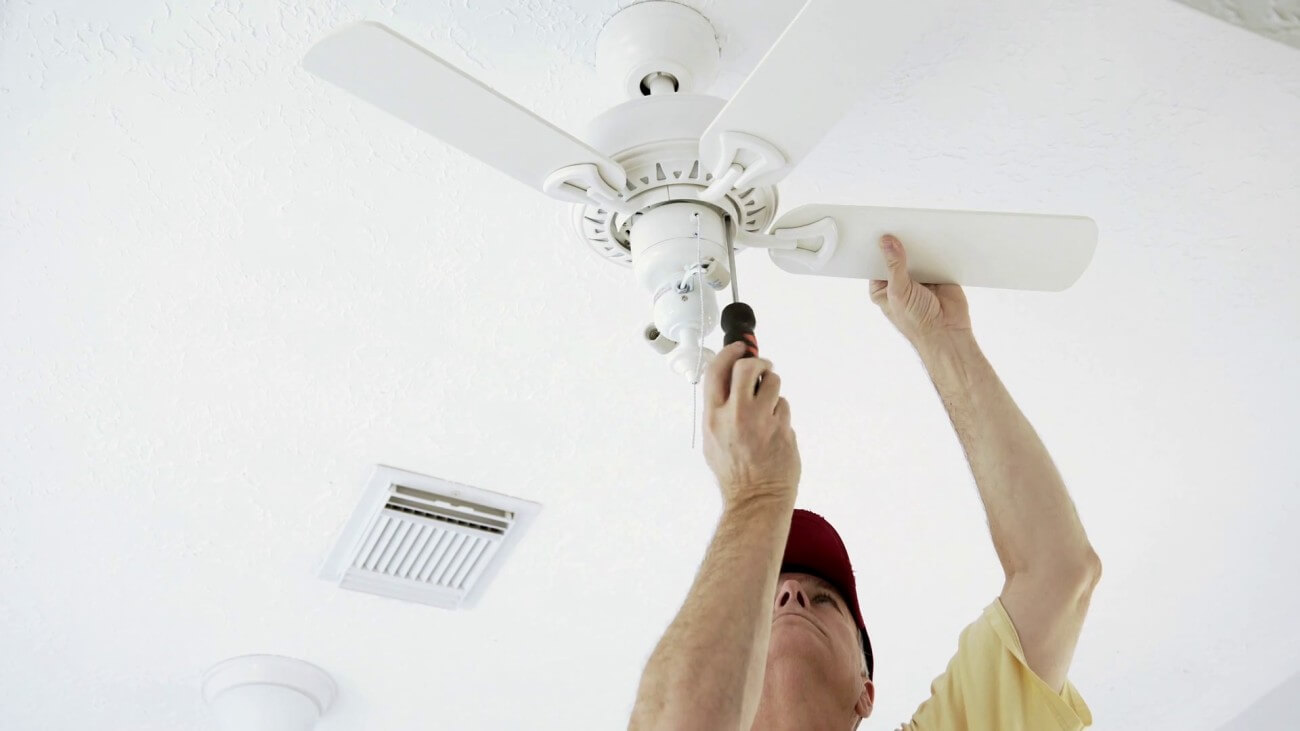
Lost the paper manual? Search the model name or browse all 33 Harbor Breeze manuals below. Each model page keeps the PDF with the fan, then helps you identify the exact controls and manufacturer-approved replacement parts.
Best result: use the model or item number from the sticker on top of the motor housing or inside the remote battery door.
New clicking, humming or grinding? Start with the ceiling fan noise diagnostic guide before ordering replacement parts.
Reinstalling the fan? Verify fan-rated ceiling box markings and support first.
Browse Harbor Breeze manuals by model
- Harbor Breeze Armitage
- Harbor Breeze Barnstaple Bay
- Harbor Breeze Bayou Creek
- Harbor Breeze Beach Creek
- Harbor Breeze Belcarra
- Harbor Breeze Calera
- Harbor Breeze Caratuk River
- Harbor Breeze Centreville
- Harbor Breeze Classic Indoor
- Harbor Breeze Coastal Creek
- Harbor Breeze Easy Breeze
- Harbor Breeze Echolake
- Harbor Breeze Edenton
- Harbor Breeze Fairwind
- Harbor Breeze Grace Bay
- Harbor Breeze Hydra
- Harbor Breeze Lake Cypress
- Harbor Breeze Lake Placido
- Harbor Breeze Lansing
- Harbor Breeze Lynstead
- Harbor Breeze Mayfield
- Harbor Breeze Mazon
- Harbor Breeze Merrimack Ceiling Fan: Manual, Remote, Parts & Troubleshooting
- Harbor Breeze Parklake
- Harbor Breeze Pawtucket
- Harbor Breeze Portes
- Harbor Breeze Sail Stream
- Harbor Breeze Sailor Bay
- Harbor Breeze Saratoga
- Harbor Breeze Thoroughbred
- Harbor Breeze Tilghman
- Harbor Breeze Twin Breeze II
- Harbor Breeze Waveport
Merrimack owners: start here
The Merrimack page is our upgraded manual: direction-control instructions, remote and receiver matching, installation help, common faults, and the original PDF in one place.
Find the fault before ordering a part
Remote stopped working
Match the FCC or model number inside the battery door. If a new remote will not pair, the receiver in the canopy may be the failed part.
Fan hums or lost a speed
Stop and consult the exact manual or manufacturer support. A hum or lost speed alone does not identify a failed component; internal electrical diagnosis belongs with a qualified technician.
Light works, fan does not
With the fan off and blades stopped, check the external controls using its manual. Have a qualified technician diagnose the receiver, motor and internal wiring.
Pull chain broke
Replace the switch by wire pattern, not appearance. Photograph the old wiring before moving a single lead.
See the complete Harbor Breeze parts and remote guide ›
Before you install or reinstall the fan
- Use a ceiling box listed for fan support; a light-only box is not enough.
- Keep blade tips at least 24 inches from walls and the blades at least 7 feet above the floor.
- Choose the downrod that puts the blades roughly 8 to 9 feet above the floor when the ceiling allows it.
- Turn power off at the breaker and verify it is off before touching the wiring.
- After assembly, tighten blade and bracket screws evenly before running the fan at full speed.
Use our downrod chart and fan-size guide before mounting a replacement.
If repair no longer makes sense, compare the exact models and tradeoffs in our current Harbor Breeze ceiling-fan guide.
Harbor Breeze manual FAQ
Where is the Harbor Breeze model number?
Check the sticker on top of the motor housing, the inside of the ceiling canopy, or the battery compartment of the original remote. The item number is often more useful than the marketing name.
Can I use a universal Harbor Breeze remote?
Often, but the replacement remote and receiver must use the same frequency or DIP-switch pattern. Match the number printed inside the old remote or receiver before ordering.
Why does my Harbor Breeze fan hum but not spin?
A hum or lost speed can have multiple causes. Stop the fan and consult its exact manual or manufacturer support. Have a qualified technician diagnose internal electrical components before ordering parts.
Can I install a fan on a regular light box?
Only if the box is listed for fan support. A standard light-fixture box is not designed for the moving load of a ceiling fan.
What if the model is not in this library?
Search by the item number from the motor label or remote battery compartment. If it is still missing, send that number through the contact page and we will try to locate the correct document.