
Every week someone lands in our Harbor Breeze manual library because a remote died, a pull chain snapped off flush, or the fan suddenly hums without spinning. Good news: almost none of that means buying a new fan. These are the parts that fix 90% of Harbor Breeze problems, what each one costs, and how to tell which fix is yours.
| Symptom | Likely fix | Cost |
|---|---|---|
| Remote lost or dead | Replacement or universal remote kit | $15–27 |
| Hums but won’t spin / stuck on one speed | CBB61 capacitor | ~$10 |
| Pull chain snapped or spins loose | Zing Ear pull-chain switch | ~$7 |
| Light kit cracked or outdated | Replacement light kit | $40–70 |
Before buying a part for a hum, click or rattle, use the ceiling fan noise guide to identify the symptom and stop conditions.
Lost or Dead Remote
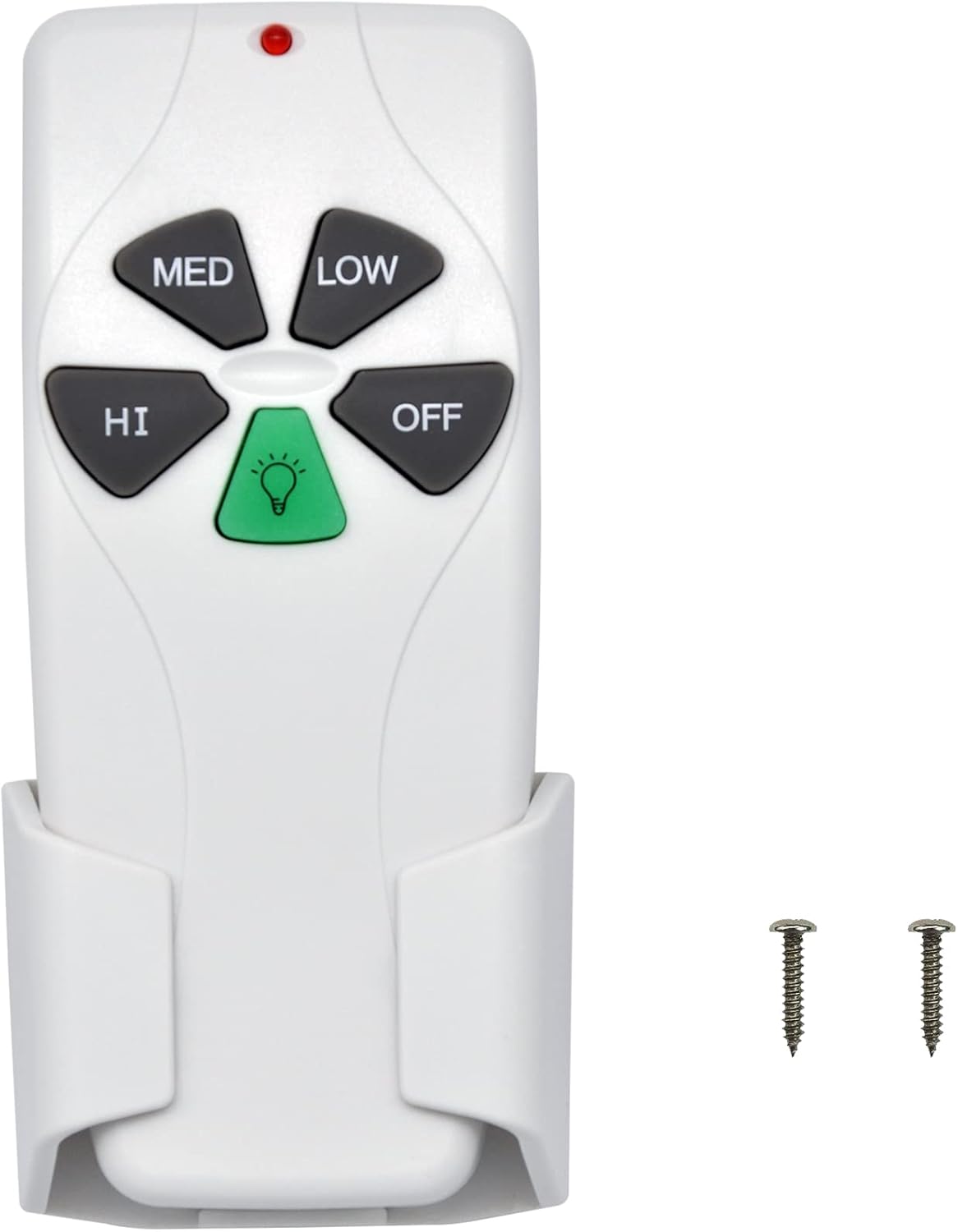
- Pairs with common HB receivers
- 3 speeds + light dimming
- Uses existing wall cradle
- Match your dip switches
If your fan still works from the pull chains and only the remote is gone, a direct replacement is the cheap fix. Before ordering, open your old remote’s battery door and photograph the dip switches (the little white toggles) — the replacement needs to be set to the same pattern. The Eogifee 35T (also on Amazon) covers many of the same models if the CENMING doesn’t match yours.
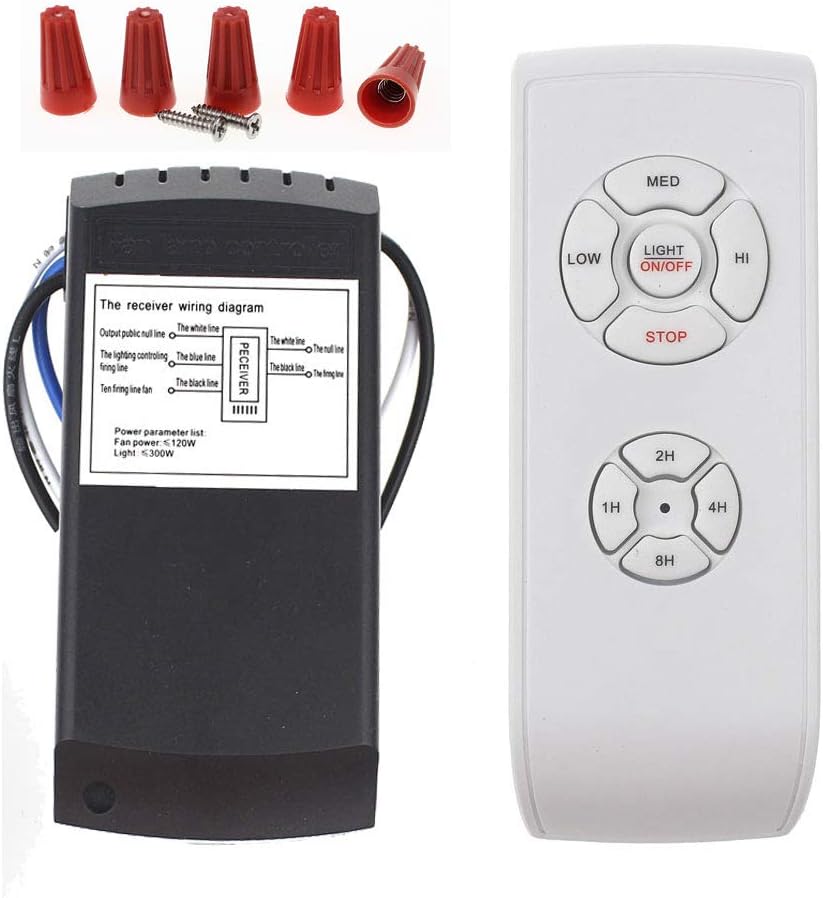
- Replaces remote AND receiver
- Works on standard AC fans
- Speed + light + timer
- 30-minute canopy install
If you can’t identify the receiver or nothing pairs, stop guessing: a universal kit swaps out both ends. The new receiver tucks into the canopy above the motor, and from then on the fan speaks the new remote’s language, brand be damned. Kill the breaker first; it’s four wire connections.
Fan Hums But Won’t Spin (or Lost Its Speeds)
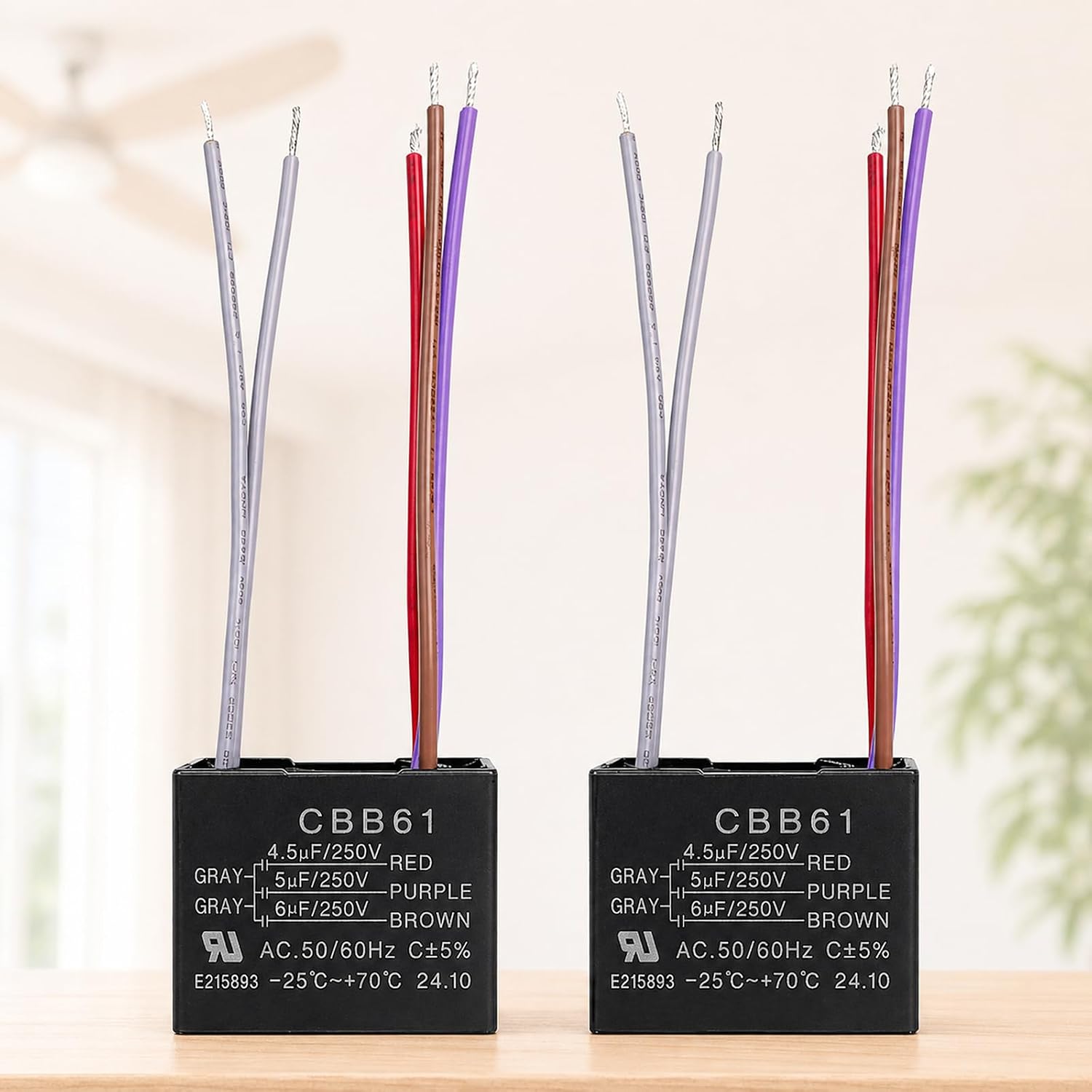
- Fixes hum-no-spin & dead speeds
- Match uF values to your old one
- Fits most HB pull-chain fans
- Kill the breaker before opening
This is the repair that makes you look like a wizard. The capacitor gives the motor its starting kick and creates the speed steps; when it bulges or dies, the fan hums, crawls, or loses speeds one by one. Open the switch housing (breaker OFF), find the black box with printed values like “4.5+5+6uF,” and order the same configuration. Ten dollars and fifteen minutes.
Snapped Pull Chain
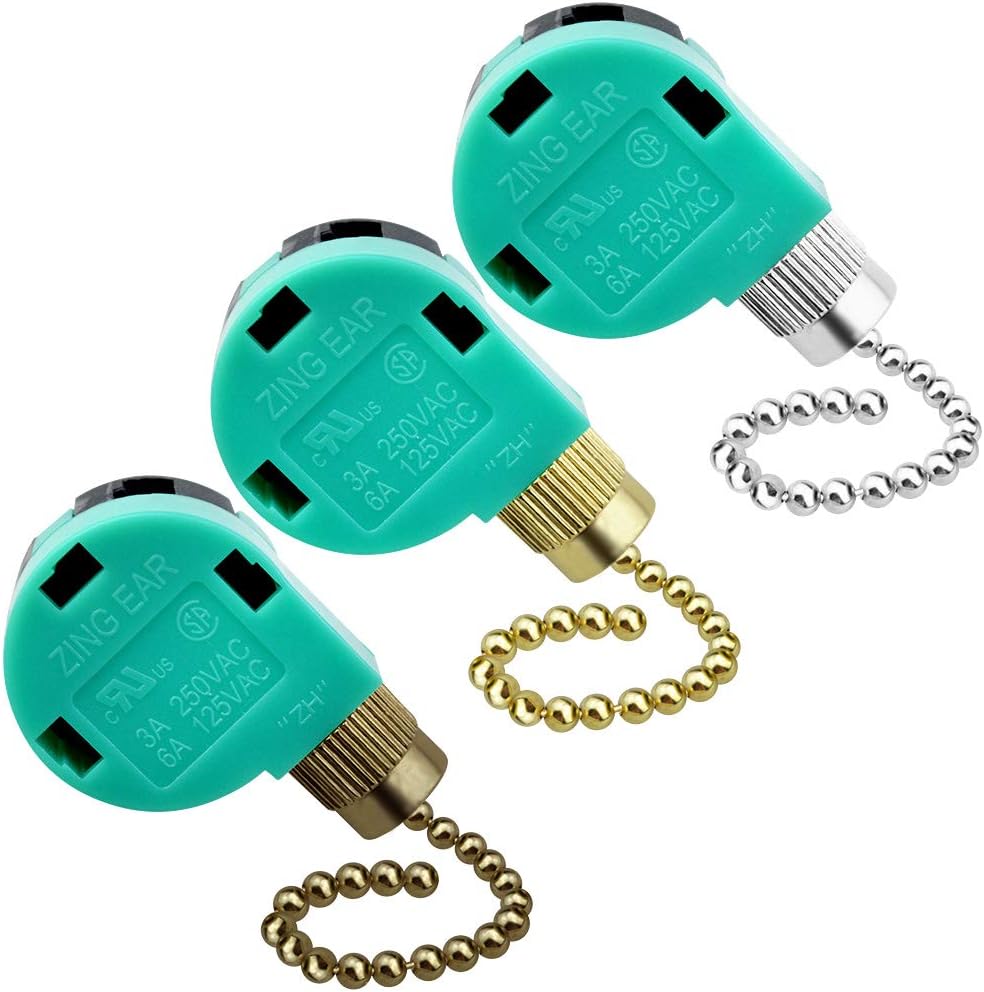
- Standard 3-speed, 4-wire switch
- Fits most HB fans
- Photograph wire order first
- Spare two for the next decade
When the chain snaps off inside the housing, you replace the whole switch — it’s a $7 part. The single job-site rule: photograph which wire color goes to which terminal number before pulling any of them, because getting the order wrong scrambles the speeds. The matching light-switch version is the ZE-109 two-wire.
Cracked or Dated Light Kit
Harbor Breeze’s own 3-light alabaster kit fits many of their fitter-style fans, and universal kits like Aspen Creative’s screw onto most standard fitters. Match the fitter diameter (measure the opening) and you’re done. While the glass is off, it’s the perfect moment to swap in LED bulbs.
First: Identify Your Model
Every fix above goes faster when you know your model. Check the sticker on top of the motor housing, or match your fan against the photos in our Harbor Breeze manual library — we keep install and wiring guides for 35+ models, free.
Not sure which model you have, or whether it is worth keeping? We compared the current range in Harbor Breeze ceiling fans compared.
Frequently Asked Questions
How do I find my Harbor Breeze model name?
Sticker on top of the motor housing, the original paperwork, or photo-match it in our manual library.
Will any remote work with my Harbor Breeze fan?
No; remotes must match the receiver’s frequency and dip switches. If nothing matches, a universal kit replaces both ends and works on any standard AC fan.
Why does my Harbor Breeze fan hum but not spin?
Classic dead capacitor. Match the uF values printed on the old one, kill the breaker, swap it. About $10.
Are Harbor Breeze parts still available since it’s a Lowe’s brand?
Lowe’s stocks some official parts, but Amazon’s third-party market covers remotes, capacitors, switches and light kits for far more models, usually cheaper.
Is it worth repairing an old ceiling fan or replacing it?
A $10 capacitor on a working motor: always repair. Grinding bearings or a wobble that balancing can’t fix: put the money toward a new fan.
